Frequently Asked Questions

Find what you need in our searchable FAQ.

How do I use the self returns machine?

58 views   |   0 Vote this question as useful.   0 Vote this question as not useful.   |   Last updated on Sep 04, 2026    Library


Hugh Owen Library: 

  • Push your items one by one slowly through the machine.
  • Wait a moment for the machine to process each item before returning the next.
  • Press Finish when you have returned all of your items.

If there is a problem when trying to return an item, please place the book in the slot next to the machine and a member of staff will collect it for return.
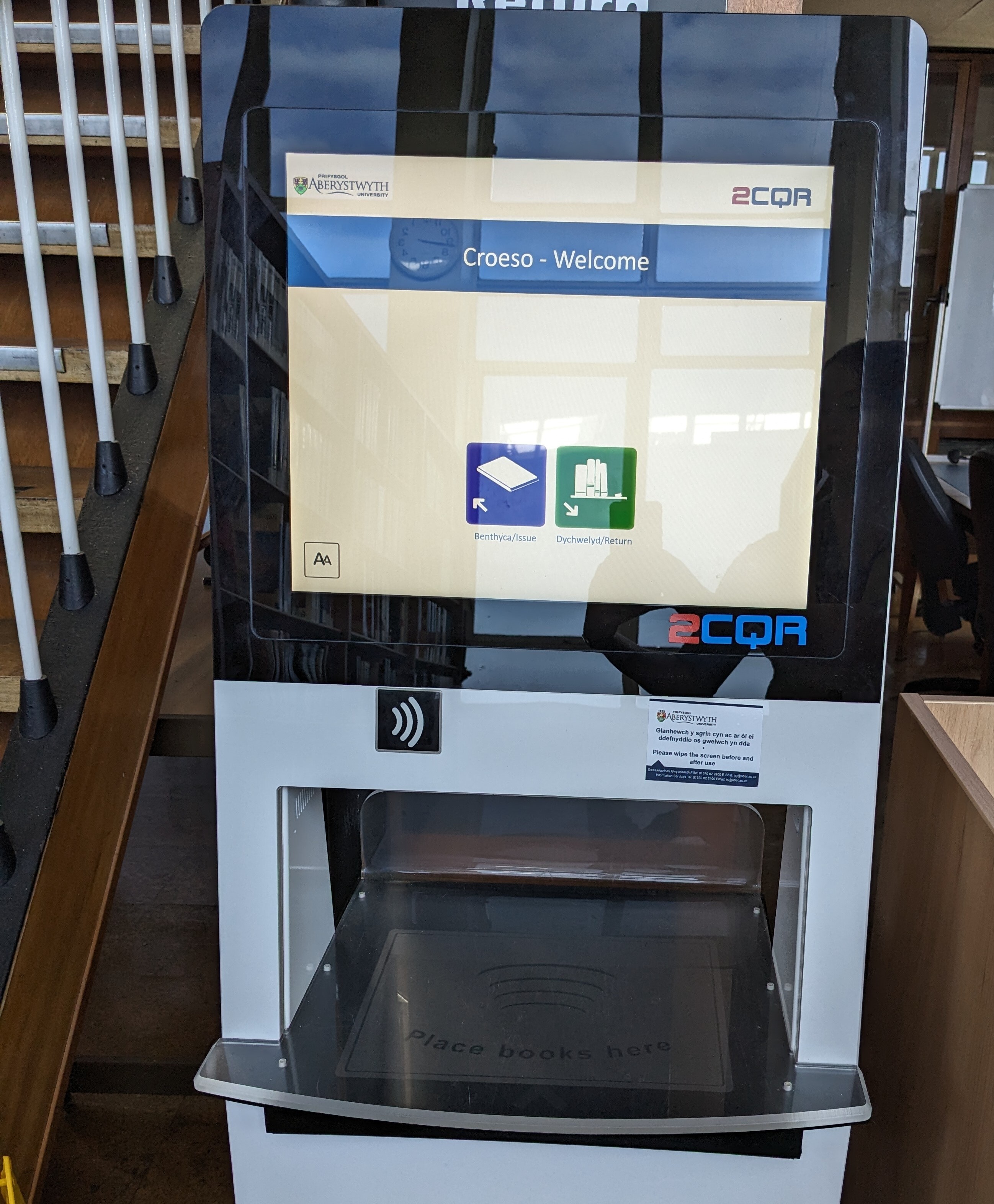
 

Physical Sciences Library:

  • Press the Return button to begin.
  • Place your books on the pad (you can place multiple books at the same time). A listing of the books being returned will appear on the screen. Wait a moment for the machine to process the items.
  • Once all your books are listed you can put them on the trolley to the right of the machine. You will receive a receipt via e-mail detailing the items returned.

If there is a problem when trying to return an item, please place the book in the box to the right of the machine and a member of staff will collect it for return.